

Summary
- WhatsApp helps salespeople build stronger relationships with leads through direct, personal, and conversational communication.
- Voice notes, personalized messages, and the right balance between professionalism and friendliness can increase engagement and trust.
- With the noCRM WhatsApp Chrome extension, sales teams can access lead history, personalize conversations, and manage follow-ups more efficiently.

In today’s sales landscape, creating connections with leads on a personal level can be the difference between a cold lead and a hot opportunity. WhatsApp, a familiar and widely-used app, has emerged as a valuable tool for lead relationship building. Unlike traditional email or phone communication, WhatsApp lets salespeople reach out directly and informally, creating a fast-track to rapport. For those looking to nurture leads authentically, WhatsApp is a game-changer, enabling communication that’s direct, friendly, and effective.
Understanding WhatsApp’s Value in Lead Relationships
WhatsApp brings a conversational and informal tone to communication, breaking down the typical barriers that come with business messaging. Unlike email, which can feel formal and impersonal, WhatsApp lets salespeople create a more approachable atmosphere. This informal approach can help salespeople build rapport, making leads feel like they’re engaging with a trusted partner rather than receiving a pitch.
For instance, rather than a standard follow-up email like, “I wanted to check in on the proposal we discussed,” you could send a friendly WhatsApp message: “Hey [Lead’s Name]! Hope your week’s going well. Just wanted to touch base on the proposal—happy to answer any questions!” This style helps your lead feel comfortable and valued, creating a foundation for open communication.
Crafting a Professional but Friendly Tone
WhatsApp communication works best when you find the right balance between professional and friendly language. A warm, conversational tone invites leads to engage with you without feeling pressured. Here’s how to hit the right tone:
- Friendly greetings: Begin with a casual greeting, like “Hi [Lead’s Name]! How’s your day going?” instead of formal openers like “Dear Mr. Smith.”
- Use emojis selectively: While a thumbs-up emoji can add warmth and clarity, avoid too many, which can feel unprofessional. A single smiley face is fine if the tone of the conversation allows it.
- Mirror your lead’s style: If a lead uses direct, brief replies, keep it short and to the point. If they’re chatty or lighthearted, match that energy to keep things natural.
Example:
If your lead responds with, “Sounds good, I’ll look into it 😊,” reply with, “Great! Let me know if anything comes up 👍.” This reflects their tone while keeping it professional. Avoid excessive slang or overly casual language that may reduce your credibility.
Using Voice Notes to Build Rapport
Voice notes on WhatsApp offer a great way to add a personal touch to your messages. By letting your lead hear your tone, enthusiasm, and sincerity, voice notes can bridge the gap that text alone can’t.
- When to use voice notes: Voice notes are perfect for sharing complex information or expressing enthusiasm, but keep them concise. A 30-second voice note works well for an update, but for longer messages, stick with text to avoid overwhelming your lead.
- Keep it short and clear: Respect the lead’s time. A quick voice note saying, “Hi [Lead’s Name], I’m excited to show you this feature I think will be a great fit for you!” can have a positive impact without being time-consuming.
Example:
Instead of texting, “I wanted to highlight this feature,” try a voice note that says, “Hey [Lead’s Name]! Just wanted to quickly tell you about a new feature I think you’ll really love—it’s designed to streamline the exact process you mentioned!” This conveys your excitement and enthusiasm more naturally.
Timing and Frequency of Messages
To effectively nurture a lead, timing is everything. With WhatsApp, it’s essential to be considerate of both the timing and frequency of messages to avoid coming across as pushy.
- Optimal timing: Consider your lead’s time zone and working hours. Mid-morning or early afternoon are generally the best times to send messages, as people are more likely to be receptive.
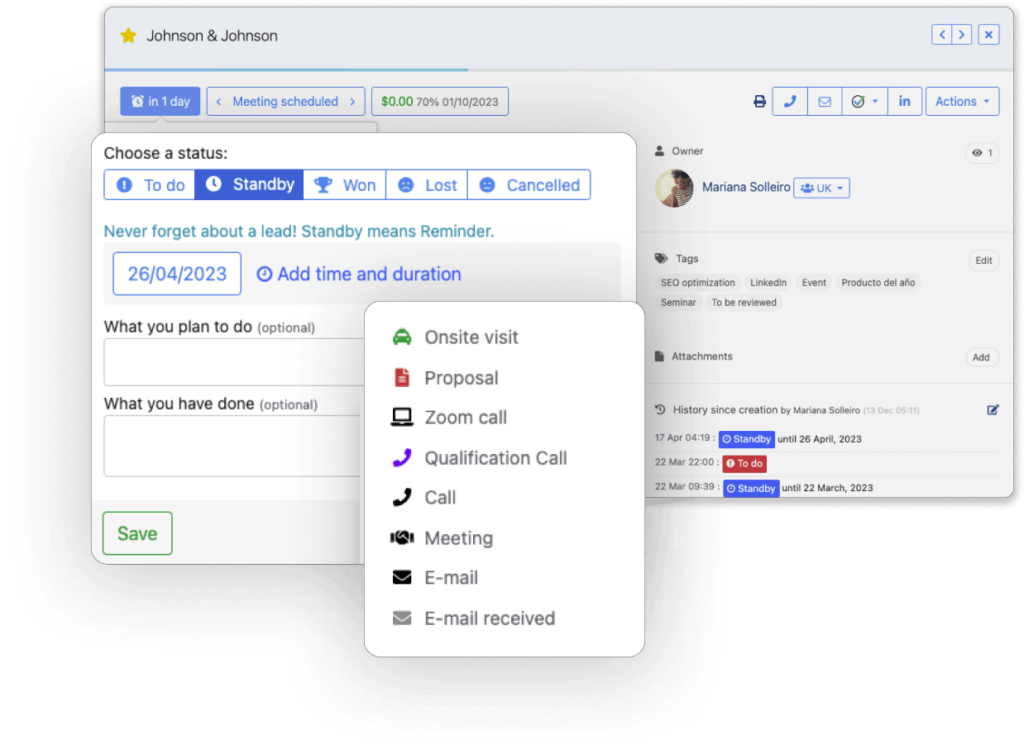
- Message frequency: Check in consistently without overdoing it. Weekly or biweekly updates work well for most leads. You can schedule follow-up reminders using noCRM to ensure you stay on track without overloading your leads.
Example:
Instead of sending daily messages like, “Checking in again,” you could send a friendly WhatsApp message like, “Hi [Lead’s Name], just touching base to see if you had any thoughts on our previous conversation. I’m here whenever you’re ready to chat!” This keeps you relevant without pressuring the lead.
Personalizing Messages to Strengthen Relationships
Adding a personal touch to your messages can set you apart from other salespeople. When you reference past conversations, acknowledge milestones, or remember small details, it shows that you’re genuinely invested in the relationship.
- Referencing past interactions: Show that you remember details by bringing up relevant points from previous conversations. For example, if a lead mentioned a busy season, follow up with, “How did everything go during the big push?”
- Recognizing milestones or preferences: Acknowledging achievements or personal preferences adds a human touch that builds trust. For example, if a lead mentioned they were attending a conference, you could follow up afterward to ask how it went.
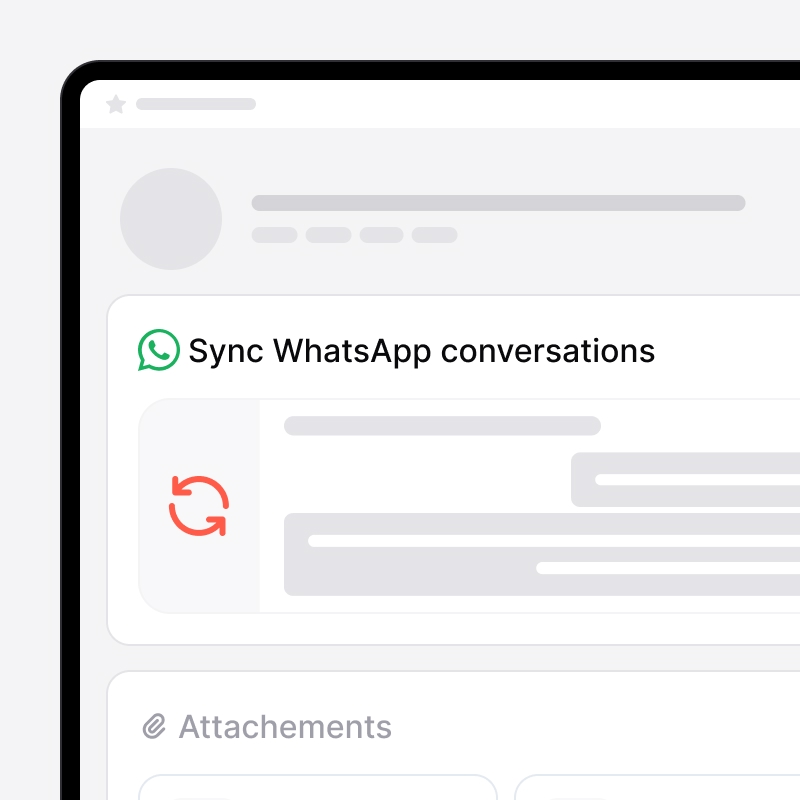
Using the noCRM WhatsApp Chrome extension can make personalization effortless. When on a WhatsApp discussion with a lead, you can access your conversation history as well as all of the lead’s information gathered in the CRM, and quickly recall important details. You can also set up message templates for follow-ups, making you save even more precious time. Learn more on the WhatsApp Chrome extension right here.

Conclusion
WhatsApp provides a unique opportunity to build relationships with leads that feel genuine and warm. By balancing professional insights with a personal touch, salespeople can use WhatsApp to transform cold leads into engaged prospects. Customize your approach for each lead, be mindful of timing, and personalize whenever possible—because ultimately, nurturing leads is about building connections, not just logging interactions. Give these tips a try and see how WhatsApp can enhance your lead management strategy!
FAQs
Q: Why should I use WhatsApp instead of email to communicate with leads?
A: WhatsApp provides a more personal, direct way to communicate, helping leads feel comfortable and valued. Its conversational style allows you to connect in a way that email often can’t.
Q: How often should I message leads on WhatsApp?
A: Keep the frequency moderate, with periodic check-ins that stay relevant without overwhelming. Weekly or biweekly follow-ups work well, depending on the lead’s engagement level.
Q: How can I personalize WhatsApp messages for leads?
A: Reference past conversations, mention milestones, or use specific details about the lead’s interests. The noCRM WhatsApp Chrome extension can help you access previous conversations, making it easy to personalize follow-ups
Build stronger lead relationships with WhatsApp